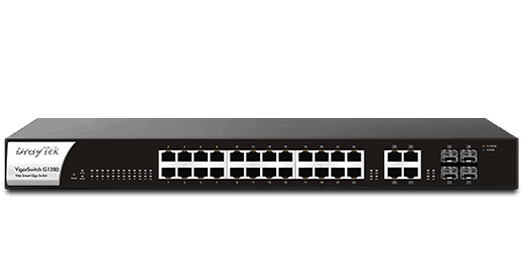
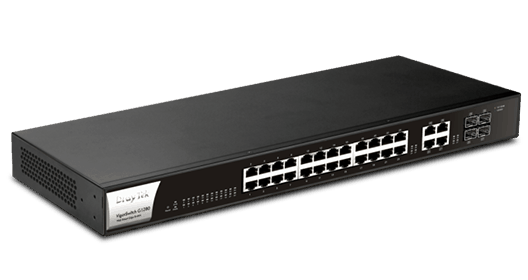
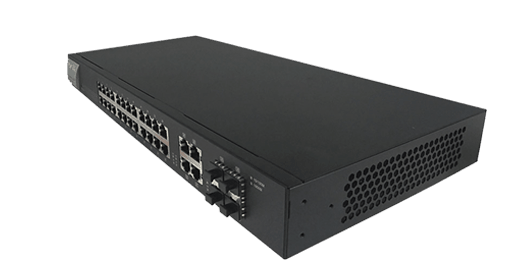
DrayTek VigorSwitch G1280 is a 28-port Web Smart Gigabit switch. It has 24x Gigabit Ethernet ports, 4x GbE/SFP combo ports, and basic management features to help businesses to improve network security and stability.
24x GbE
10/100/1000Mbps Ethernet, RJ-45
4x GbE/SFP
Gigabit Ethernet, RJ-45/SFP Combo
56 GbpsSwitching Capacity
4.1 Mbit
Buffer Size

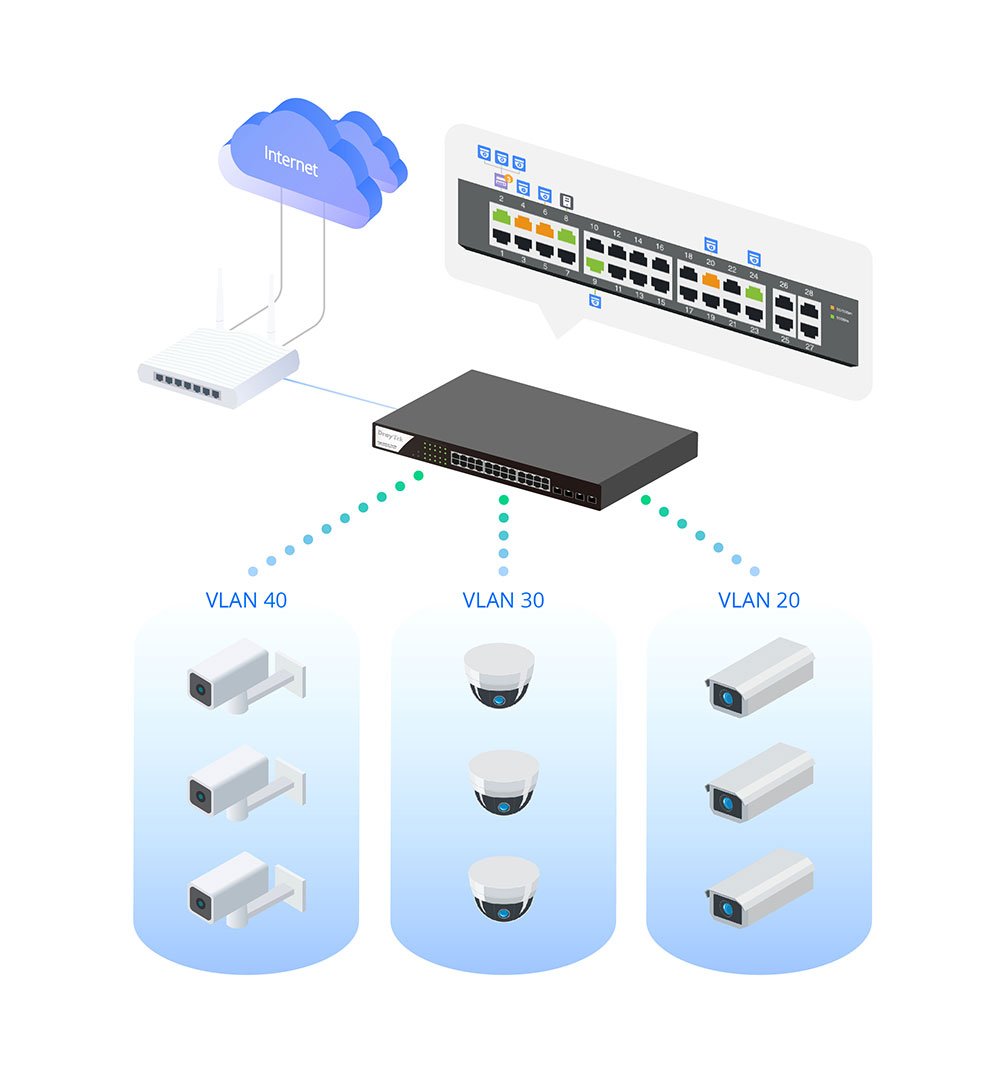
Recognize traffic from IP cameras and IP phones automatically and add CoS tag for QoS prioritization.

Recognize the ONVIF devices, display surveillance topology, provide UI for video streaming and device maintenance. Learn more

Improve network stability by avoiding IP conflicts caused by a misconfigured or malicious host. Learn more

Improve the performance of critical traffic by prioritizing the traffic with CoS, DSCP, and IP Precedence tag.

Easily manage and monitor the network through the web-based console with graphics showing ports and hardware status.

Multiple Admin accounts with two levels of administrator privilege.

Set up VLAN easily from the router and get a centralized hierarchy view of the switches. Learn more

Compliant with IEEE 802.3az to reduce power consumption.
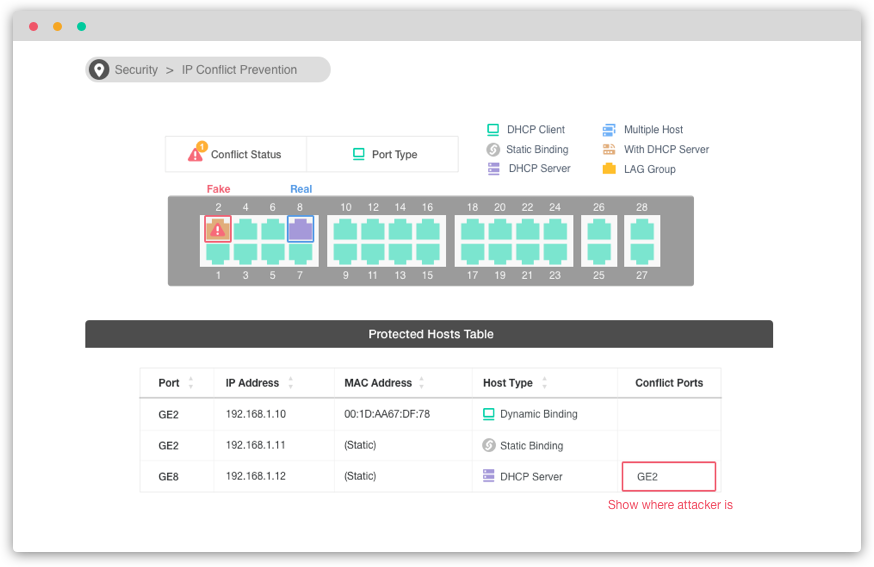
VigorSwitch keeps an eye on the environment and notify the administrator of any IP conflicts.
For a more stable network, VigorSwitch can’t only detect but block the misconfigured or malicious IP host.
Recognize the ONVIF devices in different VLANs, display surveillance topology, provide UI for video streaming and device maintenance.
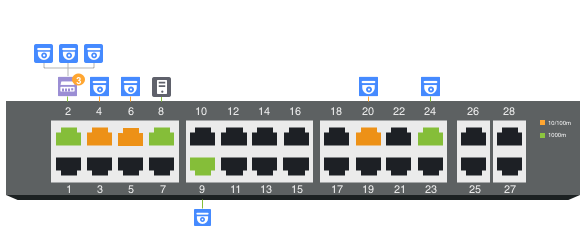
VigorSwitch automatically detects ONVIF devices, and displays the topology of connecting IP cameras and NVRs.
Images filmed by IP cameras can be viewed directly on VigorSwitch.
Support ONVIF devices basic configuration/maintenance remotely via VigorSwitch. Such as remote reboot, factory reset, network settings, etc.
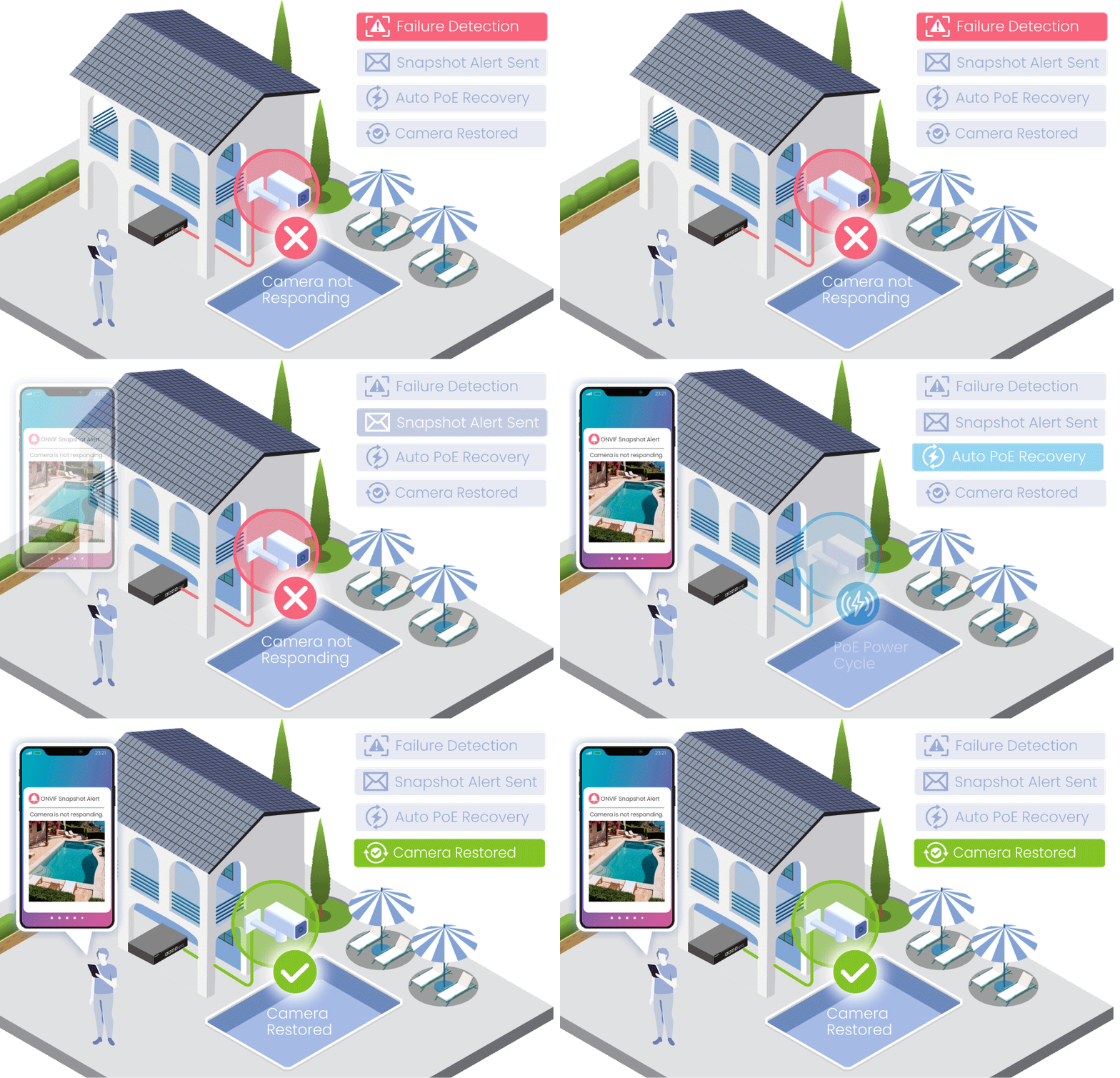
Automatically monitor ONVIF cameras and receive alerts when a camera becomes unavailable.
The latest snapshot helps identify the affected location quickly, while PoE auto recovery can help restore camera operation automatically.


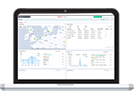
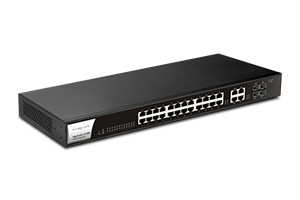 VigorSwitch G1280
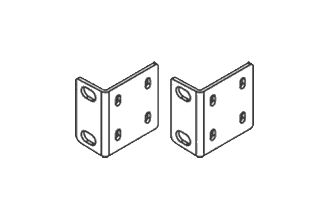 Rack Mount Kit
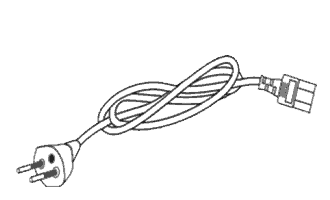 Power Cord
 Quick Start Guide
The throughput figures are maximum, based on DrayTek internal testing with optimal conditions. The actual performance may vary depending on the different network conditions and applications activated.
Interface | |
| LAN Port | 24x 10/100/1000Mbps Gigabit Ethernet, RJ-45 4x Gigabit Ethernet, RJ-45/SFP Combo |
| Button | 1x Factory Reset Button |
Capacity | |
| Buffer Size | 4.1 Mbit |
| Switching Capacity | 56 Gbps |
| Forwarding Rate | 41.7 Mpps (64 bytes) |
| MAC Address Table | 8k |
| Jumbo Frame | Up to 9KB |
Networking Standards | |
| IP Version | IPv4, IPv6 |
| Ethernet Standards | 802.3 10Base-T 802.3u 100Base-T 802.3ab 1000Base-T 802.1q Tag-based VLAN 802.3x Flow Control 802.3 Auto-Negotiation 802.1p Class of Service 802.1d STP 802.1w RSTP 802.3ad LACP 802.1AB LLDP 802.3az EEE |
VLAN | |
| Max.Number of VLAN | 512 |
| VLAN Type | 802.1q Tag-based MAC-based Management VLAN Voice VLAN Surveillance VLAN |
| Port Isolation | |
ONVIF Surveillance | |
| Discovery | |
| Surveillance Topology | |
| Real-Time Video Streaming | |
| ONVIF Device Maintenance | Device Info, Reset Factory Default, Time Settings, Reboot |
QoS | |
| Number of QoS Queues | 8 |
| Queue Scheduling | SPQ, WRR |
| CoS (Class of Service) | 802.1p CoS, DSCP, CoS-DSCP, IP Precedence |
| Rate Limit/Shaping | |
Security | |
| Access Control List | MAC, IPv4, IPv6 |
| Storm Control | Broadcast, Unknown Multicast, Unknown Unicast |
| DoS Defense | |
| IP Source Guard | |
| IP Conflict Detection | |
| IP Conflict Prevention | |
| Loop Protection | |
Link Aggregation | |
| Max. Number of Group | 8 |
| Max. Number of Member in Each Group | 8 |
| Type | Static, LACP |
| Traffic Load Balancing | MAC Address, IP/MAC Address |
Multicast | |
| IGMP Snooping | v2, v3 (BISS) |
| IGMP Querier | |
Management | |
| Web Interface | HTTP, HTTPS |
| Command Line Interface | Telnet, SSH v2 |
| OpenVPN Client | Certificate-based authentication |
| SNMP | v1, v2c, v3 |
| Mail Alert | Port Status, Port Speed, System Restart, IP Conflict |
| LLDP | |
| Syslog | |
| 2-Level Admin Privilege | |
| Multiple Admin Accounts | |
| Managed by VigorRouter SWM | |
| Managed by VigorConnect | |
| Managed by VigorACS | |
| Config File Export/Import | |
| SNTP (Simple Network Time Protocol) | |
| Diagnostics Tools | Port Mirroring, Ping, Cable Test |
Physical | |
| 19-inch Rack Mountable | Mouting Kit Included |
| Max. Power Consumption | 17.8 watts |
| Dimension | 441mm x 197mm x 45mm |
| Weight | 2.58 kg (5.7 lb) |
| Operating Temperature | 0 to 45°C |
| Storage Temperature | -20 to 70°C |
| Operating Humidity | 10 to 90% non-condensing |
| Storage Humidity | 5 to 90% non-condensing |
| Certificate | 
 |
All specifications are subject to change without notice.
The throughput figures are maximum, based on DrayTek internal testing with optimal conditions. The actual performance may vary depending on the different network conditions and applications activated.