EasyVPN redefines VPN access by shifting from protocol-based configuration to identity-based connectivity.
Available on supported DrayTek platforms, it abstracts the complexity of VPN technologies—including IPsec, WireGuard, and OpenVPN—into a unified login experience.
Users simply sign in. The system handles connection, optimization, and continuity.
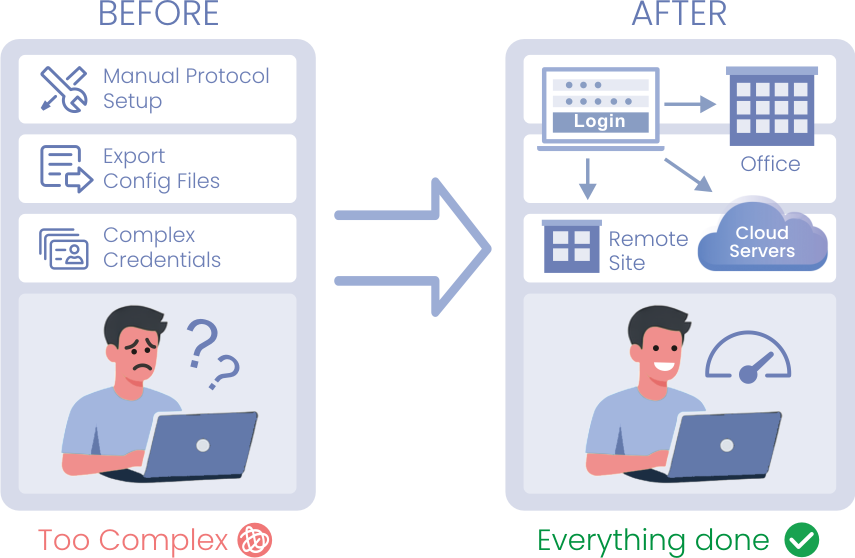
Traditional VPN vs EasyVPN
| Traditional VPN | EasyVPN | |
| Setup | Manual protocol selection | Automatic |
| Credentials | PSK / Certificates / Config files | Username / Password + MFA |
| Access Model | Protocol-based | Identity-based |
| Troubleshooting | Protocol-specific | Centralized |
| Deployment | Per-device configuration | Streamlined |
Why It Matters
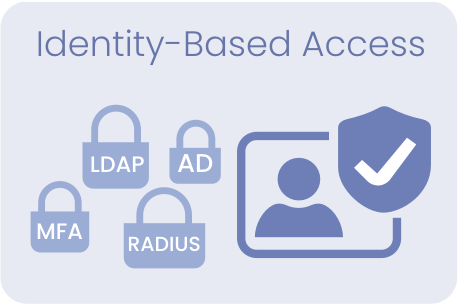
Identity-Based Access
Authenticate users instead of just connecting networks, with support for LDAP, Active Directory, RADIUS, and MFA.
Protocol Abstraction
Eliminates the need to select or understand VPN protocols by automatically determining the optimal connection.
Integrated EasyVPN Functionality
Provides built-in EasyVPN capabilities with centralized control, optimized performance, and scalable access management across supported platforms.
Reliable Connectivity
Maintains stable and continuous connections by adapting to changing network conditions.
Intelligent Connection Flow

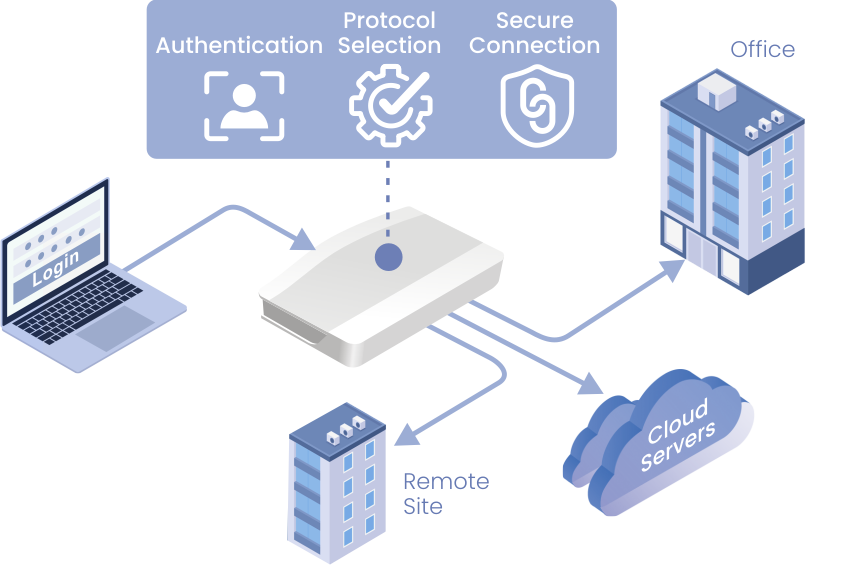
Users log in through the DrayTek Smart VPN Client. The router authenticates the user, selects the appropriate protocol, establishes a secure tunnel, and maintains connection stability automatically.
DrayTek Smart VPN Client
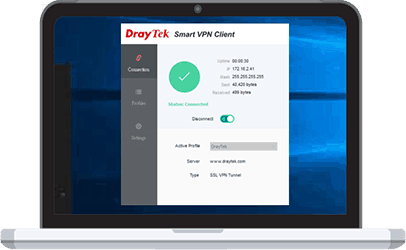
Available on Windows, macOS, iOS, and Android.
Users only need to enter:
- Server address
- Username
- Password
Users connect with credentials only, without selecting or understanding VPN protocols.
Client & Firmware Compatibility
EasyVPN is supported on compatible DrayTek platforms with EasyVPN-enabled firmware.
| Platform | Requirement |
| Router Firmware | EasyVPN-supported firmware (DrayOS 5 or Linux-based platforms) |
| Windows | Smart VPN Client v5.7.0 |
| macOS | Smart VPN App v1.8.0 |
| iOS | Smart VPN App v1.9.6 |
| Android | Smart VPN App v1.6.0 |
| Linux | Easy VPN Client v1.0.0 |
Some features, such as automatic protocol selection, may require the latest client version.
For detailed firmware versions and client compatibility, please refer to the official FAQ: View More
Advanced Configuration & Optimization
EasyVPN is designed for simplicity while still providing flexible control and intelligent optimization for real-world deployments.
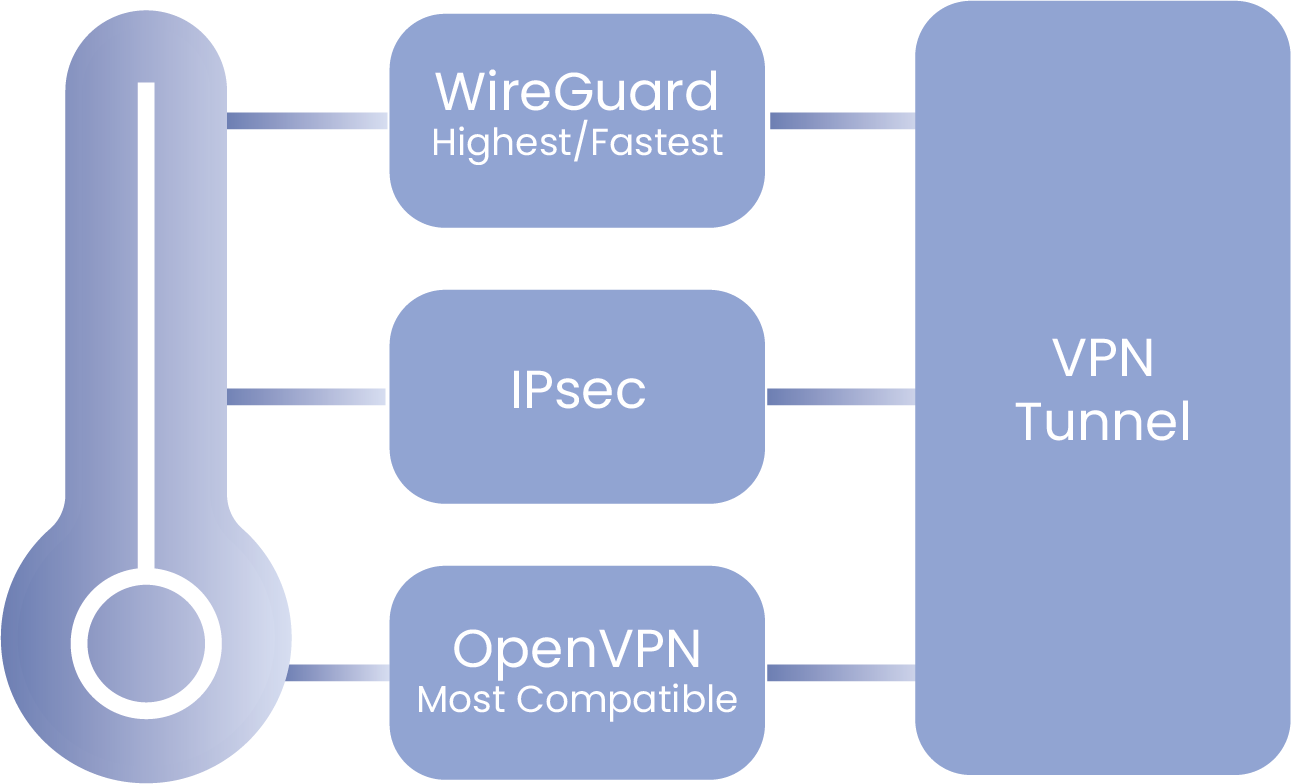
Administrators can define protocol priority across:
- WireGuard
- IPsec
- OpenVPN
The system follows the defined priority to establish the most suitable connection based on network conditions.
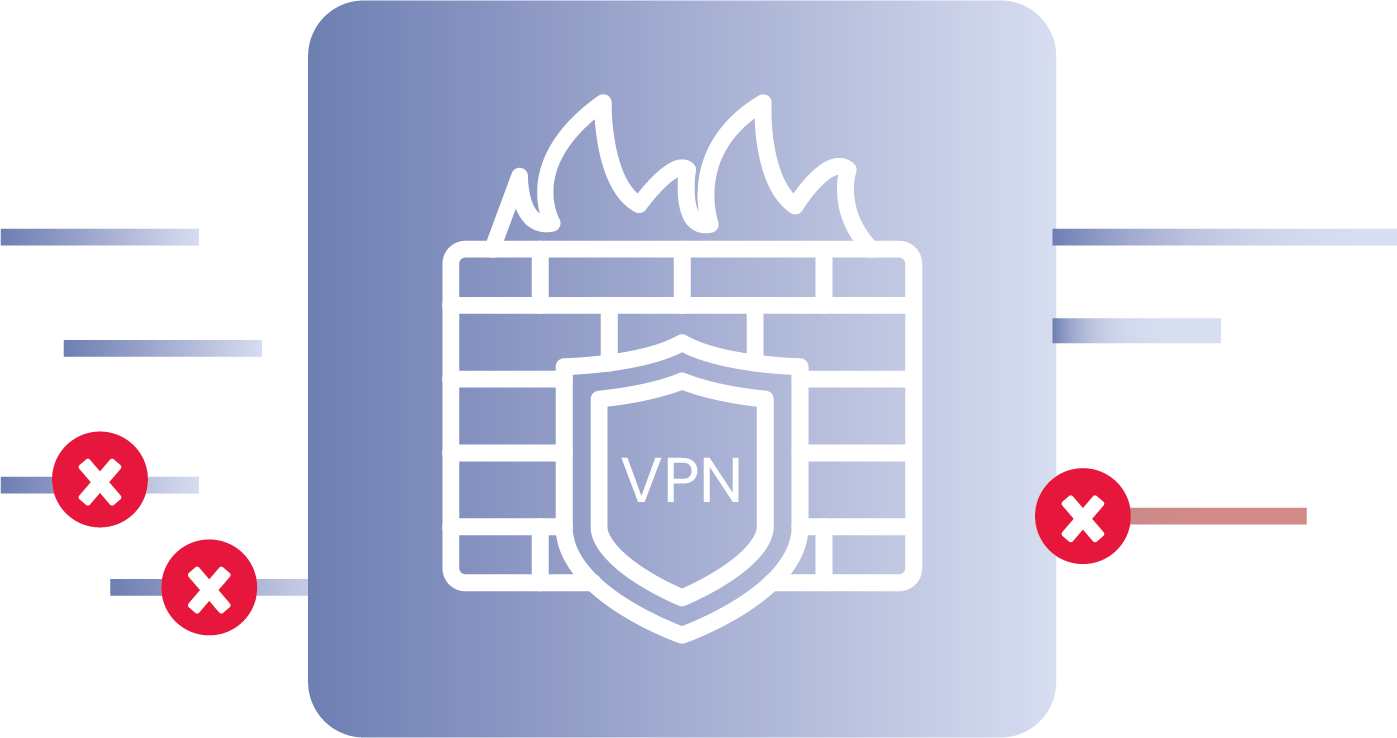
EasyVPN can:
- Use the HTTPS WAN access port
- Or operate on a custom listening port
This reduces the need for multiple exposed ports and simplifies firewall configuration.
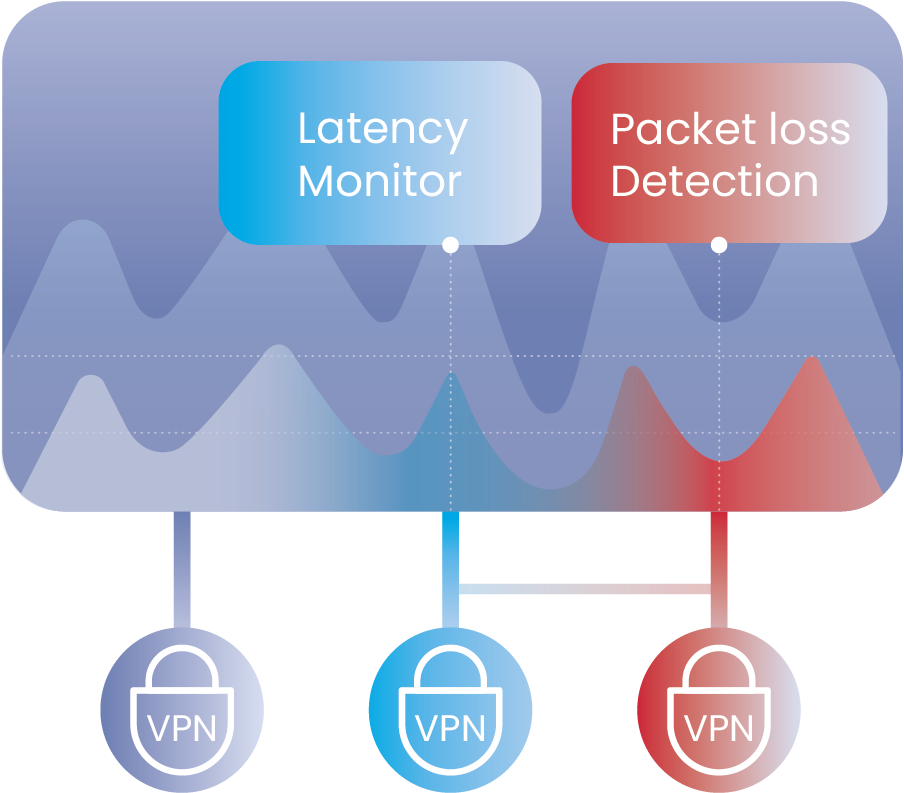
EasyVPN continuously evaluates network conditions to:
- Adjust connection methods when needed
- Maintain stable sessions across changing environments
This ensures consistent connectivity even in restrictive or unstable networks.
EasyVPN includes automatic VPN MSS
(Maximum Segment Size)
adjustment to improve performance and stability across different network environments:
- Reduces packet fragmentation
- Improves transmission efficiency
- Enhances compatibility across various ISPs and NAT conditions
Manual MSS adjustment is also available when required, allowing further optimization for specific deployment scenarios.
.png)
Architecture & Compatibility
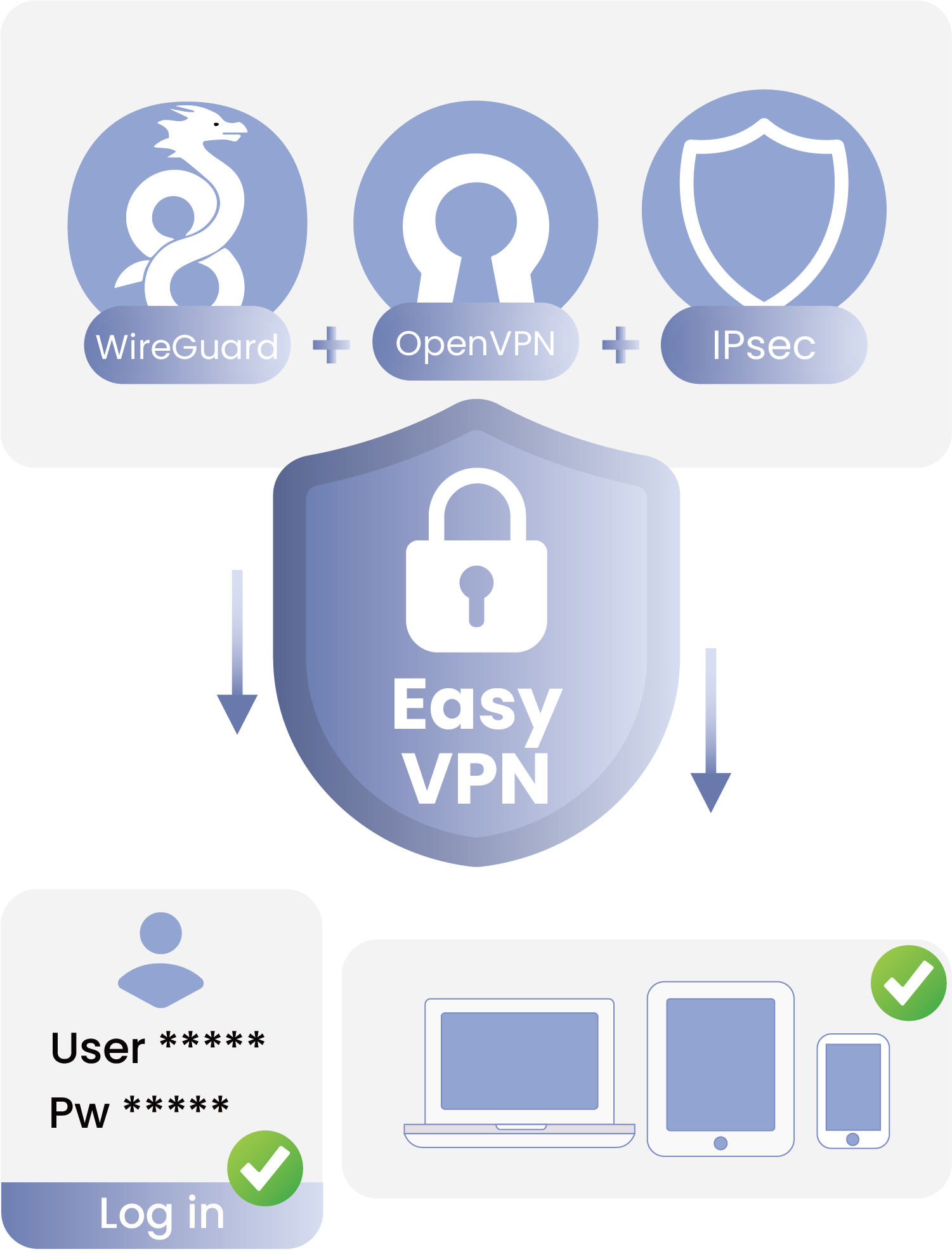
EasyVPN operates as a unified access layer built on top of existing VPN services.
It works seamlessly with established VPN protocols, including:
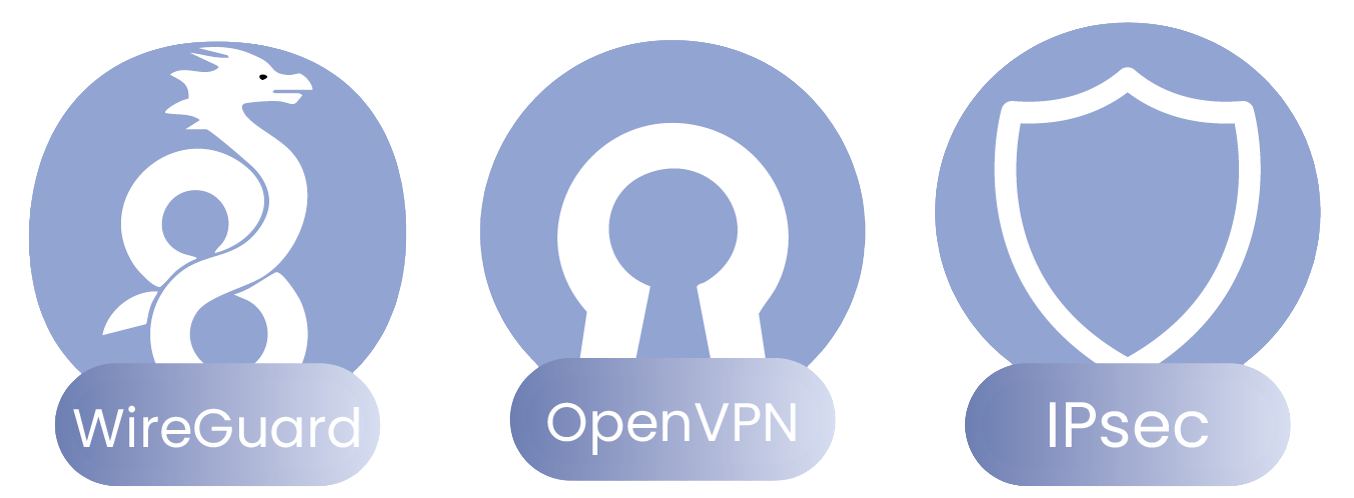
Administrators retain full control over each protocol configuration, while EasyVPN abstracts these complexities and provides a simplified, credential-based access experience for end users.
Use Cases
Remote Workforce Access
Secure login from anywhere without manual VPN setup.
Hybrid Cloud Integration
Connect on-premises and cloud environments through a unified access layer.
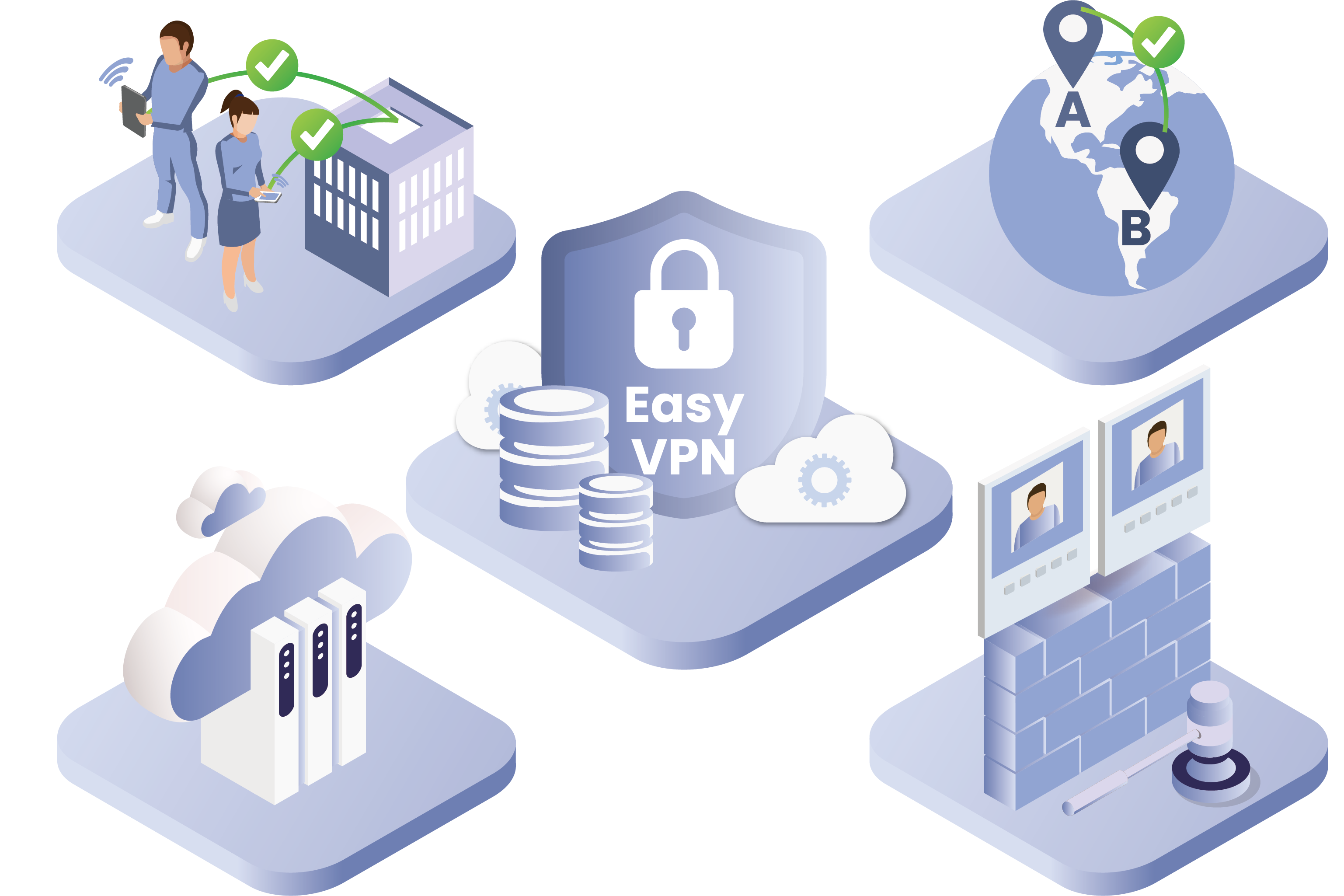
Secure Branch Connectivity
Enable consistent and secure communication across distributed offices.
Policy-Enforced Network Access
Ensure access control aligned with firewall and security policies.
Supported Platforms
EasyVPN is supported on selected DrayTek platforms with compatible firmware, including both DrayOS 5 and Linux-based systems.
| Model/Protocol | IPsec | WireGuard | OpenVPN | EasyVPN (Auto Mode) |
|---|---|---|---|---|
| 1220 | v | v | v | v |
| 2135 | v | v | v | x |
| 2136 | v | v | v | v |
| 2763 | v | v | v | x |
| 2765 | v | v | v | x |
| 2766 | v | v | v | x |
| 2767 | v | v | v | v |
| 2865 | v | v | v | v |
| 2866 | v | v | v | v |
| 2867 | v | v | v | v |
| 2915 | v | x | v | x |
| 2927 | v | v | v | v |
| 2928 | v | v | v | v |
| 2962 | v | v | v | v |
| 3912 | v | v | v | v |
| C410 | v | v | v | v |
| C510 | v | v | v | v |
For the list of supported VPN Router, please refer to the : Supported List
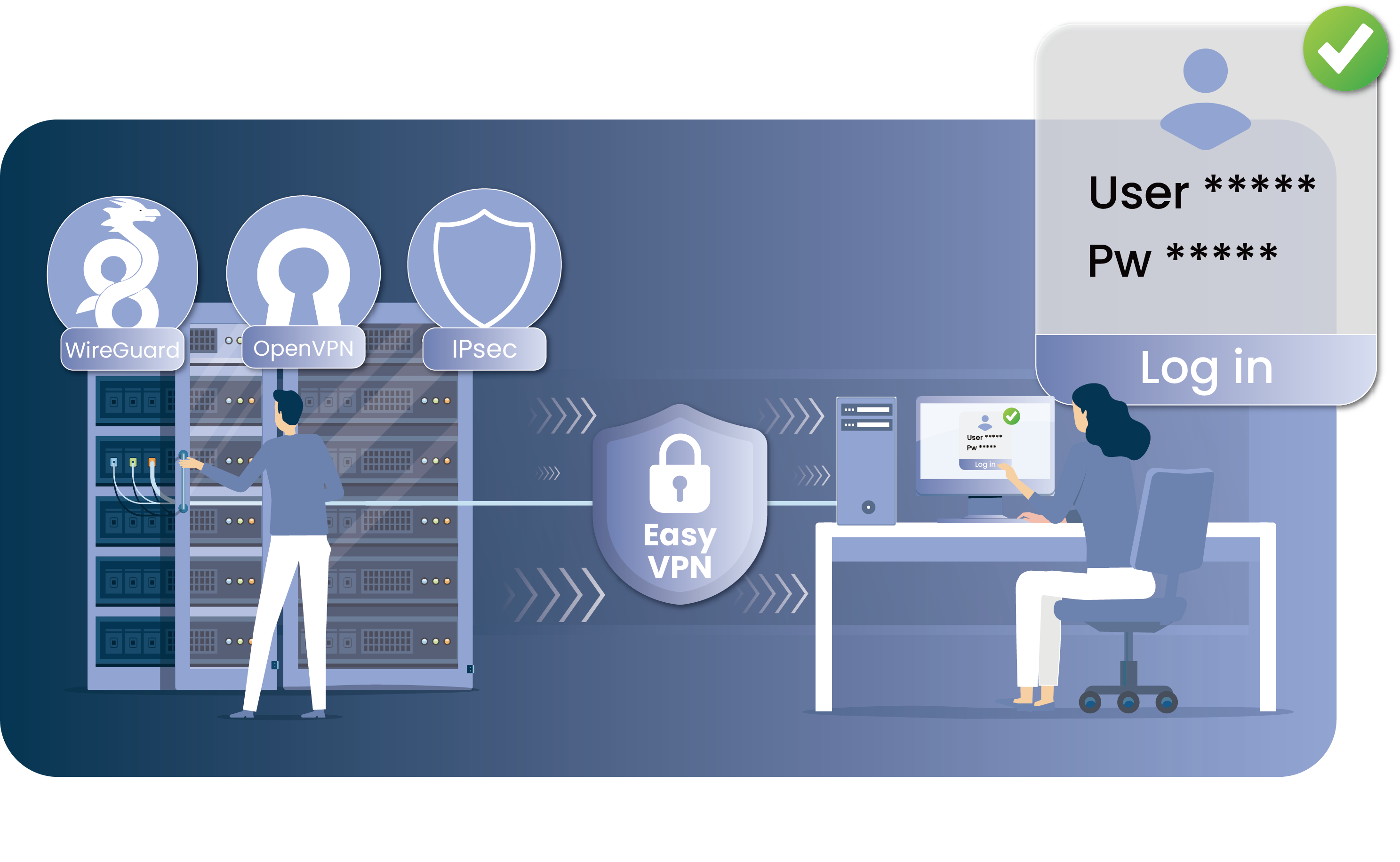
Connect Without Complexity
EasyVPN transforms how VPN access is delivered—shifting from protocol-driven configuration to identity-based connectivity.
By unifying multiple VPN technologies into a single access layer, it eliminates operational complexity while preserving full control for administrators.
Users simply sign in. The system handles authentication, connection selection, and session stability automatically.
Secure, reliable, and simplified—without compromising the underlying architecture or security standards.
Featured Products
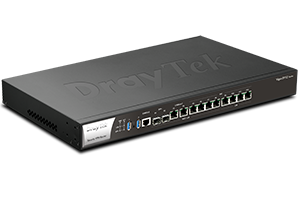
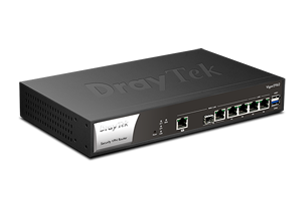
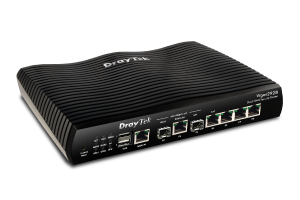
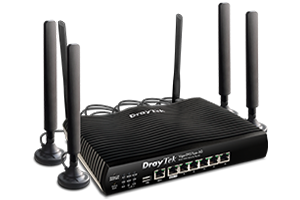
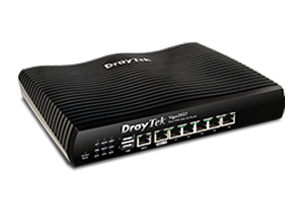
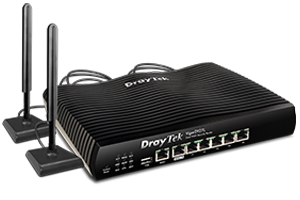
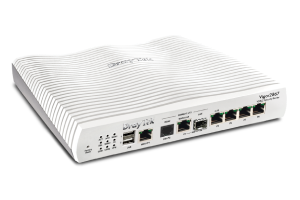
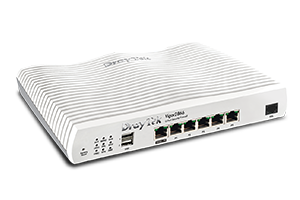
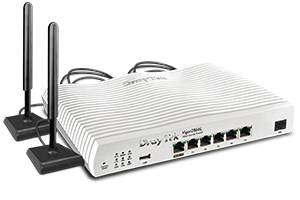
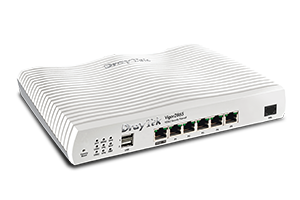
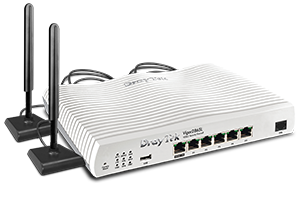
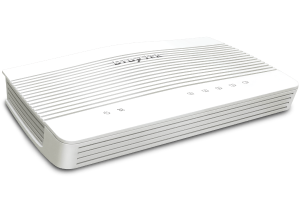
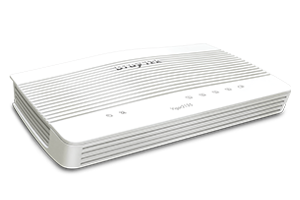
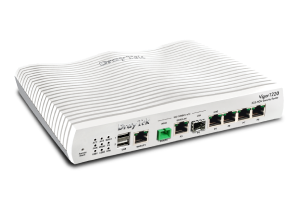
EasyVPN is supported on selected DrayTek platforms with compatible firmware, including both DrayOS 5 and Linux-based systems.