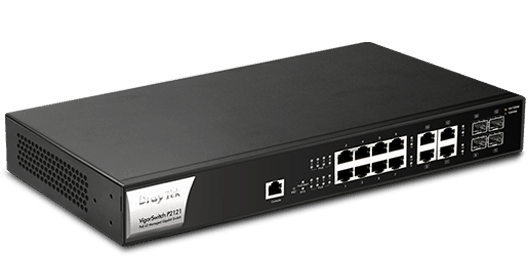
DrayTek VigorSwitch P2121 is a compact Layer 2 Managed Gigabit PoE switch. It has 8x Gigabit Ethernet PoE/PoE+ ports with a power budget of 140 watts. It also equipped with 4x GbE/SFP combo ports, 1x console port, and enterprise-level features to help businesses to improve network security and stability.
8x PoE GbE
PoE/PoE+ Gigabit Ethernet Ports
4x GbE/SFPGigabit Ethernet/SFP Combo
140 watts
of PoE Power Budget
24 Gbps
Switching Capacity

Deliver power and data over one ethernet cable, turn on/off the PoE device periodically with PoE Schedule.

Recognize traffic from IP cameras and IP phones automatically and add CoS tag for QoS prioritization.

Improve network stability by avoiding IP conflicts caused by a misconfigured or malicious host. Learn more

VigorSwitch P2121 supports ACL by IP/MAC and 802.1x port access control with RADIUS to filter unauthorized hosts.

Recognize the ONVIF devices, display surveillance topology, provide UI for video streaming and device maintenance. Learn more

Improve the performance of critical traffic by prioritizing the traffic with CoS, DSCP, and IP Precedence tag.

VigorSwitch P2121 supports IPv6 by offering MLD Snooping, IPv6 ACL, and IPv6 DNS Resolver.

Easily manage and monitor the network through the web-based console with graphics showing ports and hardware status.

Multiple Admin accounts with two levels of administrator privilege.

Set up VLAN easily from the router and get a centralized hierarchy view of the switches. Learn more

Compliant with IEEE 802.3az to reduce power consumption.
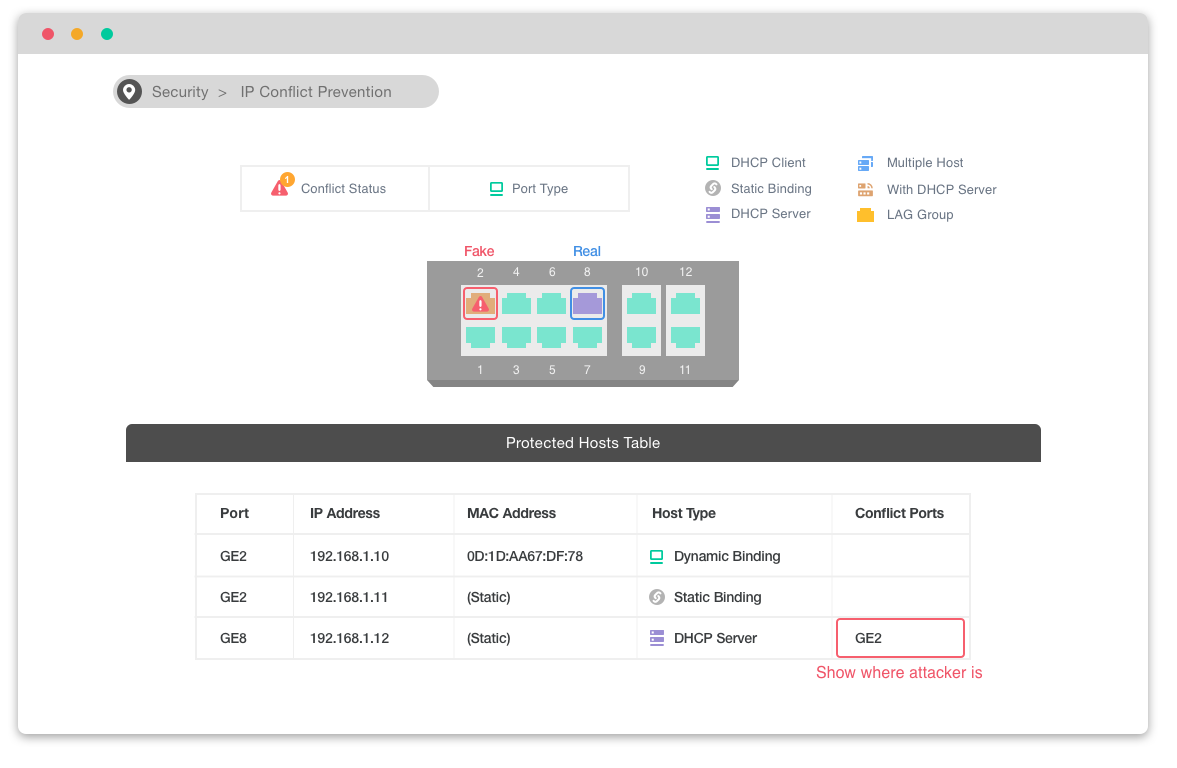
VigorSwitch keeps an eye on the environment and notify the administrator of any IP conflicts.
For a more stable network, VigorSwitch can’t only detect but block the misconfigured or malicious IP host.
Recognize the ONVIF devices in different VLANs, display surveillance topology, provide UI for video streaming and device maintenance.
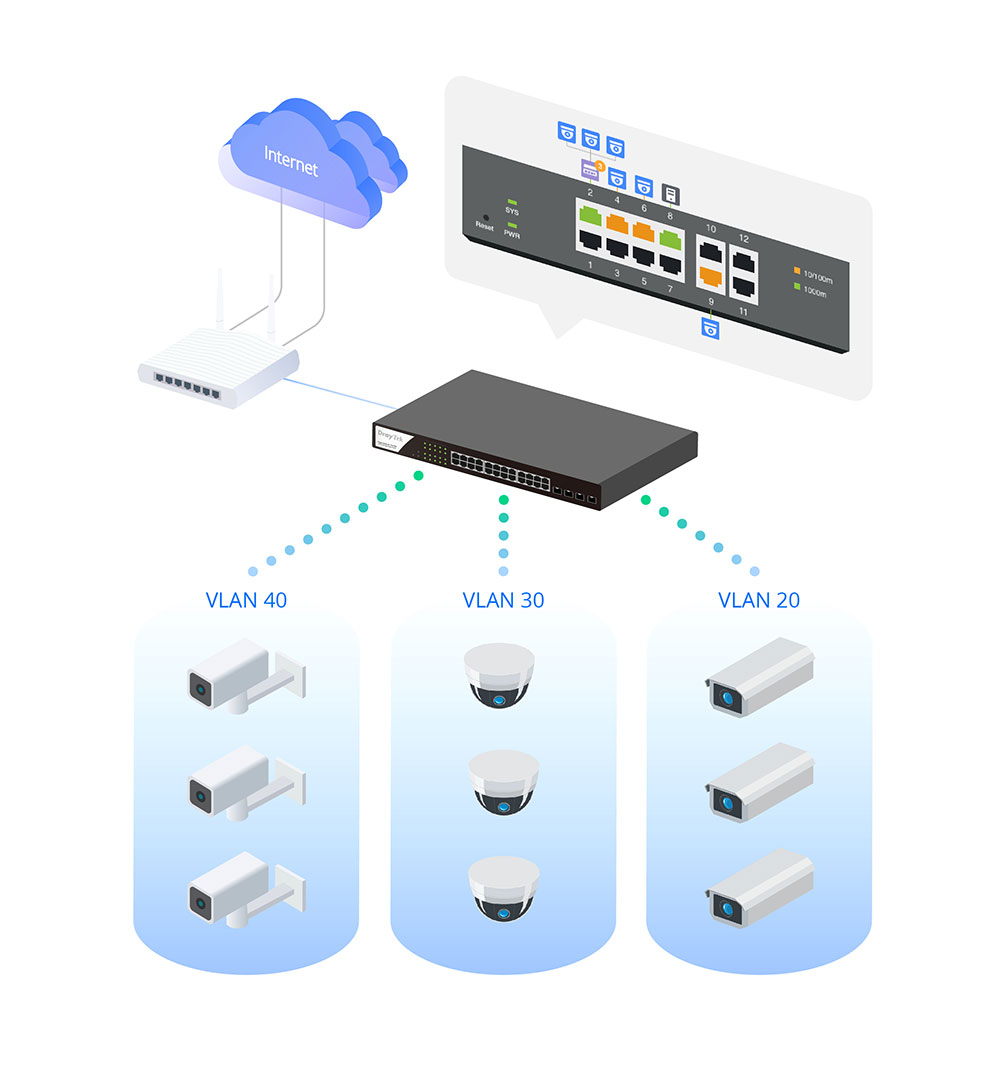
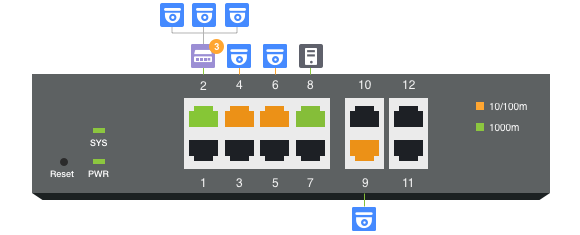
VigorSwitch automatically detects ONVIF devices, and displays the topology of connecting IP cameras and NVRs.
Images filmed by IP cameras can be viewed directly on VigorSwitch.
Support ONVIF devices basic configuration/maintenance remotely via VigorSwitch. Such as remote reboot, factory reset, network settings, etc.
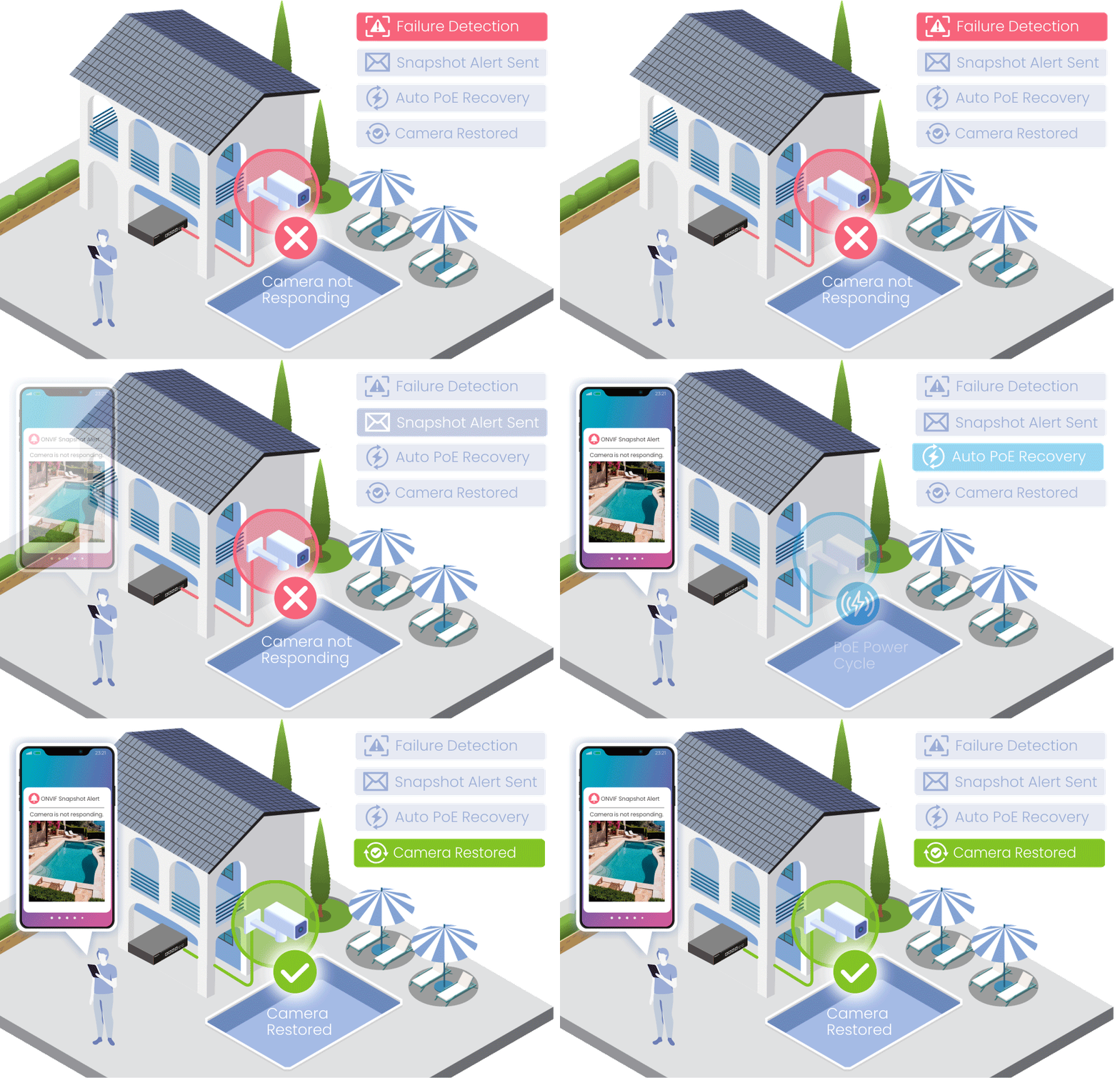
Automatically monitor ONVIF cameras and receive alerts when a camera becomes unavailable.
The latest snapshot helps identify the affected location quickly, while PoE auto recovery can help restore camera operation automatically.
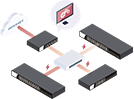

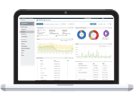
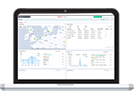
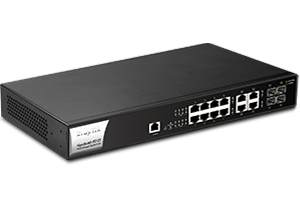 VigorSwitch P2121
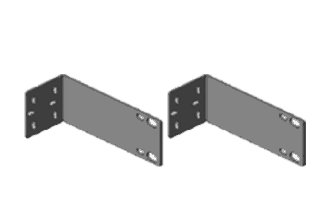 Rack Mount Kit
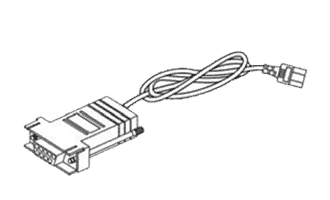 Console Cable
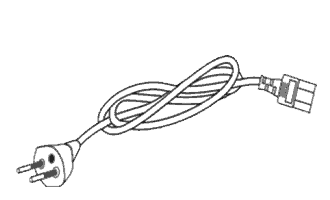 Power Cord
 Quick Start Guide
The throughput figures are maximum, based on DrayTek internal testing with optimal conditions. The actual performance may vary depending on the different network conditions and applications activated.
Interface | |
| LAN Port | 8x 10/100/1000Base-T Ethernet, RJ-45
4x Gigabit Ethernet/SFP Combo |
| Console Port | 1x Gigabit Ethernet, RJ-45 |
| Button | 1x Factory Reset Button |
PoE | |
| PoE Capable Ports | 8 |
| PoE Standards | PoE/PoE+(802.3af/802.3at), Type mode A |
| PoE Power Budget | 140 watts |
| Power Limit | |
| Scheduled On/Off | |
| Power Cycle on Port | Manual, Ping Watchdog |
Capacity | |
| Buffer Size | 4.1 Mbit |
| Switching Capacity | 24 Gbps |
| Forwarding Rate | 17.9 Mpps (64 bytes) |
| MAC Address Table | 8k |
| Jumbo Frame | Up to 9KB |
Networking Standards | |
| IP Version | IPv4, IPv6 |
| Ethernet Standards | 802.3af PoE
802.3at PoE+ 802.3 10Base-T 802.3u 100Base-T 802.3ab 1000Base-T 802.3x Flow Control 802.3 Auto-Negotiation 802.1q Tag-based VLAN 802.1p Class of Service 802.1ad QinQ 802.1d STP 802.1w RSTP 802.1s MSTP 802.3ad LACP 802.1x Port Access Control 802.1AB LLDP 802.3az EEE |
VLAN | |
| Max.Number of VLAN | 256 |
| VLAN Type | 802.1q Tag-based MAC-based Protocol-Based Management VLAN Voice VLAN Surveillance VLAN |
| Port Isolation | |
| GVRP | |
| Q-in-Q | Basic |
ONVIF Surveillance | |
| Discovery | |
| Surveillance Topology | |
| Real-Time Video Streaming | |
| ONVIF Device Maintenance | Device Info, Reset Factory Default, Time Settings, Reboot |
QoS | |
| Number of QoS Queues | 8 |
| Queue Scheduling | SPQ, WRR |
| CoS (Class of Service) | 802.1p CoS, DSCP, CoS-DSCP, IP Precedence |
| Rate Limit & Shaping | |
Security | |
| Access Control List | MAC, IPv4, IPv6 |
| Storm Control | Broadcast, Unknown Multicast, Unknown Unicast |
| DoS Defense | |
| 802.1x Port Access Control | |
| IP Source Guard | |
| IP Conflict Detection | |
| IP Conflict Prevention | |
| Loop Protection | |
| Dynamic ARP Inspection | |
| DHCP Snooping with Option 82 | |
Link Aggregation | |
| Max. Number of Group | 8 |
| Max. Number of Member in Each Group | 8 |
| Type | Static, LACP |
| Traffic Load Balancing | MAC Address, IP/MAC Address |
Multicast | |
| IGMP Snooping | v2, v3 (BISS) |
| IGMP Querier | |
| MLD Snooping | v1, v2 (Basic) |
| Max. Number of Multicast Group | 256 |
| Group Throttling | |
| Group Filtering | |
| MVR (Multicast VLAN Registration) | |
Management | |
| Web Interface | HTTP, HTTPS |
| Command Line Interface | Telnet, SSH v2 |
| OpenVPN Client | Certificate-based authentication |
| User Authentication | Local Database, RADIUS, TACACS+ |
| SNMP | v1, v2c, v3 |
| RMON Group | 1, 2, 3, 9 |
| LLDP | LLDP, LLDP-MED |
| Mail Alert | Port Status, Port Speed, System Restart, IP Conflict |
| Syslog | |
| 2-Level Admin Privilege | |
| Multiple Admin Accounts | |
| Managed by VigorRouter SWM | |
| Managed by VigorConnect | |
| Managed by VigorACS 2 | |
| Config File Export/Import | |
| Dual Image | |
| SNTP (Simple Network Time Protocol) | |
| Diagnostics Tools | Port Mirroring, Ping, Cable Test |
Physical | |
| 19-inch Rack Mountable | Mouting Kit Included |
| Max. Power Consumption | 164 watts |
| Dimension | 330mm x 230mm x 44mm |
| Weight | 2.44 kg (5.4 lb) |
| Operating Temperature | 0 to 45°C |
| Storage Temperature | -20 to 70°C |
| Operating Humidity | 10 to 90% non-condensing |
| Storage Humidity | 5 to 90% non-condensing |
| Certificate |   |
All specifications are subject to change without notice.
The throughput figures are maximum, based on DrayTek internal testing with optimal conditions. The actual performance may vary depending on the different network conditions and applications activated.